
Center for Teaching and Learning
Supplemental Lecture Capture
Supplemental lecture capture can provide insights into Instructors teaching effectiveness, identifying areas for improvement in clarity, pacing, and engagement strategies, ultimately contributing to a more dynamic and impactful learning environment for all.
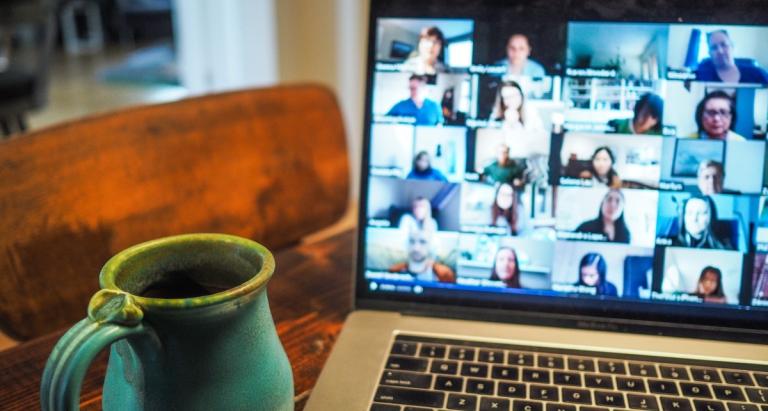
Supplementing Your Lectures: Exploring Lecture Capture Options
Supplemental lecture capture in higher education refers to the practice of recording lectures and making them available to students as a supplement to the classroom instruction. This can be done through various technologies such as video cameras, screen recording software, and online platforms.
The purpose of capturing lecture materials is for the benefit of students to be able to review them when necessary. Recorded class materials refer to video, audio or multimedia recordings of class proceedings within a classroom, class proceedings within a virtual meeting, student recordings created for an assignment, recorded presentations, and any other recorded materials to enhance the course experience. GovState supports multiple applications for recording course materials:
Supplemental Lecture Capture Tools
Panopto:
Description:
Cloud-hosted video platform available to GovState employees and students. Platform provides tools to create recordings from a webcam or mobile device and provides simple editing tools to allow creators to add/include slides, screen-captured content, and question prompts for students. Platform facilitates robust video management (folder-based organization, retention, searching, access and sharing including password protection, and streaming). Automatic captions are available for all recordings and can be edited manually.
Uses:
- Synchronous class proceedings and presentations
- Supplemental course materials, introductions or announcements
- Student video assignments
PowerPoint
Description:
Software used to create slide presentations for lectures. Presentations can be narrated and saved as MP4 files to be uploaded to Panopto or YouTube and shared within a course, which can then be captioned and made available to students.
Uses:
- Lectures or student presentations shared in-person or in virtual synchronous meetings
- Lectures or student presentations shared as prerecorded content
Class Collaborate
Description:
Cloud-hosted video conferencing tool integrated into Blackboard that lets you share files, share applications, and use a virtual whiteboard to interact. Courses are automatically provisioned with a course meeting space and the ability to set up additional meeting spaces. No automatic captioning is available for recordings. Recordings are currently being stored in individual courses and available via sharable link in any course announcement or email. Recordings should be saved and uploaded to Panopto or YouTube for captioning and more sharing capabilities.
Uses:
- Synchronous class meetings/sessions
- Department/team/group meetings
- Recording tool for a presentation or tutorial
Examples of Supplemental Lecture Capture to Support Learning
- As-needed review: Students can watch recorded lectures at their own pace and on their own schedule as a way to review the material covered in class or catch up on missed lectures.
- Flipped classroom: Lectures can be recorded and made available to students before class, allowing them to prepare for class activities and discussions.
- Differentiation: Recording lectures can provide students with different learning styles and abilities with alternative ways to access the material.
- Remote and online learning: Recording lectures can be a valuable resource for students who are taking classes remotely or online, allowing them to access the material at any time.
- Accommodation: Recording lectures can be a useful accommodation for students with disabilities who may have difficulty taking notes or who may need to review the material multiple times.
- Language support: Recording lectures can be a useful resource for students who are not fluent in the language of instruction.
It's important to note that recording lectures should not be the only means of instruction and it should be used as a supplement to the classroom instruction. It's also important to consider the needs and preferences of the students and to provide them with the option to not participate in lecture capture, respecting their privacy.
Contact Us
- Center for Teaching & Learning
- Governors State University - C Building
- 708-534-4115
- blackboard@govst.edu